
How to create a cash flow forecast in 10 minutes?
13 January 2026Most entrepreneurs would like to be in control of their cash flows. However too many don’t do any cash flow forecasting as they think it is very time-consuming and only finance experts can do that.
In fact, neither is true. You can easily create a cash flow forecast for your business in just 10 minutes. And from then on, 5 to 10 minutes per week will be enough to be in control. And you don’t need any finance knowledge at all!
Here’s how:
Open tailwindapp.eu. Tailwind is an automated and visualized financial planning tool for entrepreneurs and managers of small or medium companies that works in your web browser.
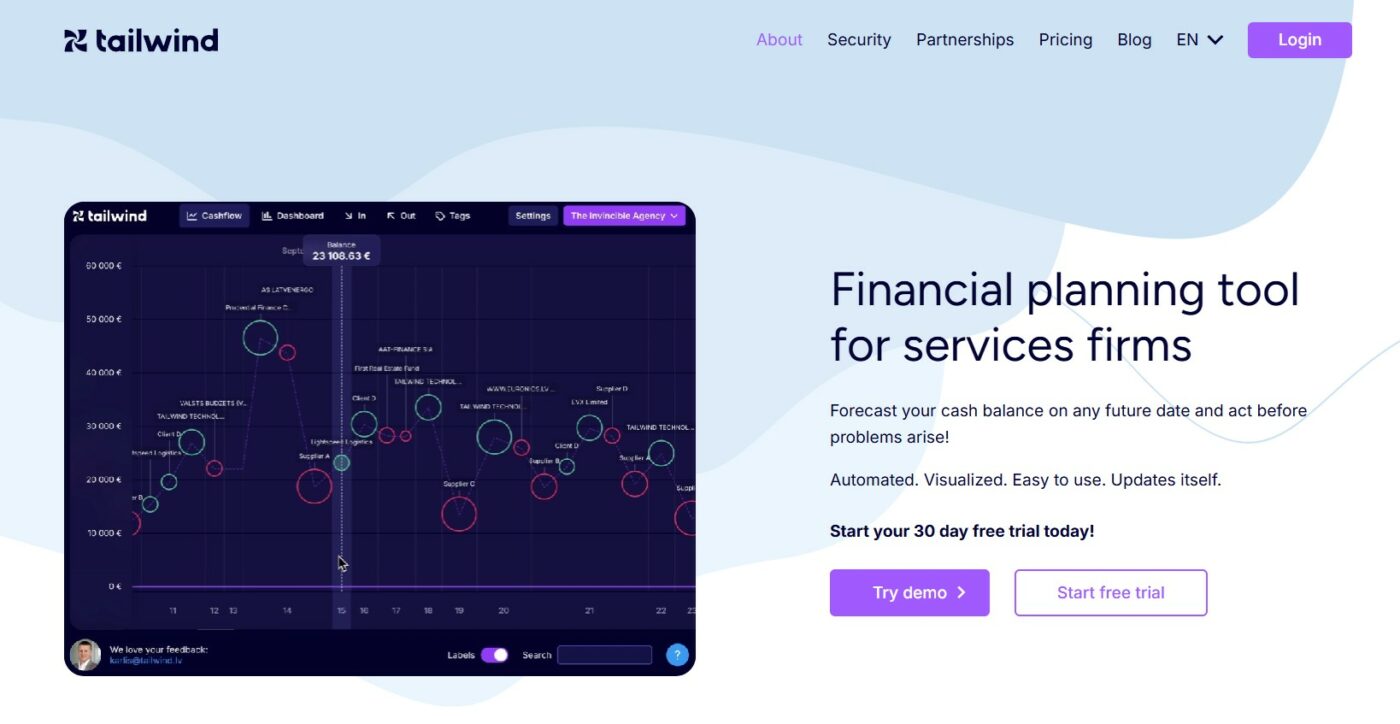
Create your Tailwind account
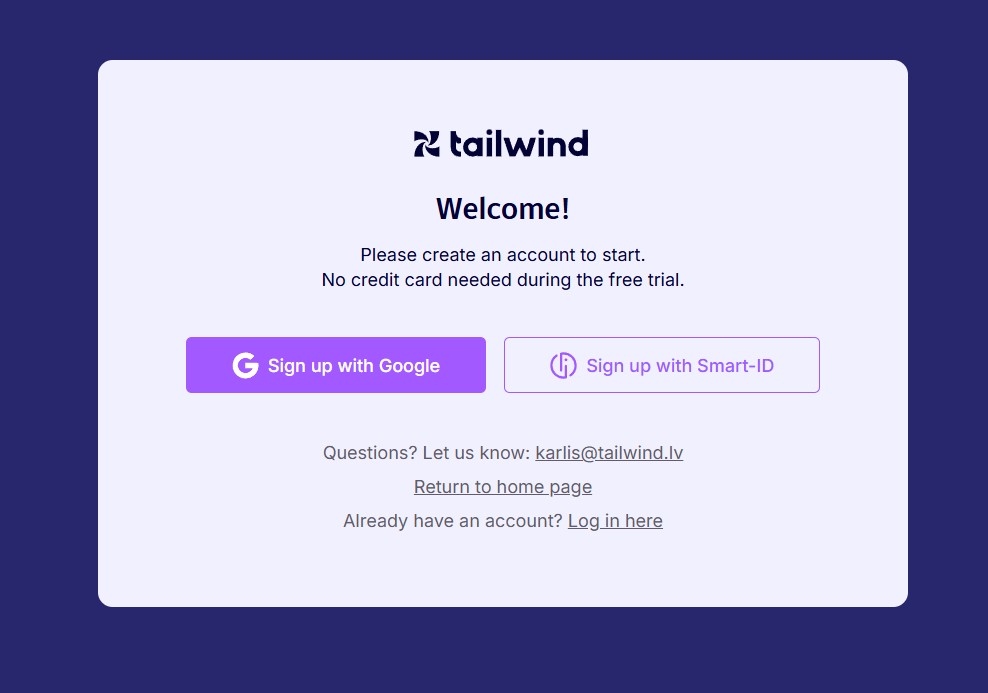
Click on Start free trial. Tailwind offers a generous 30 day free trial without any commitment. You will be asked to authenticate with your Google account or SMART ID:
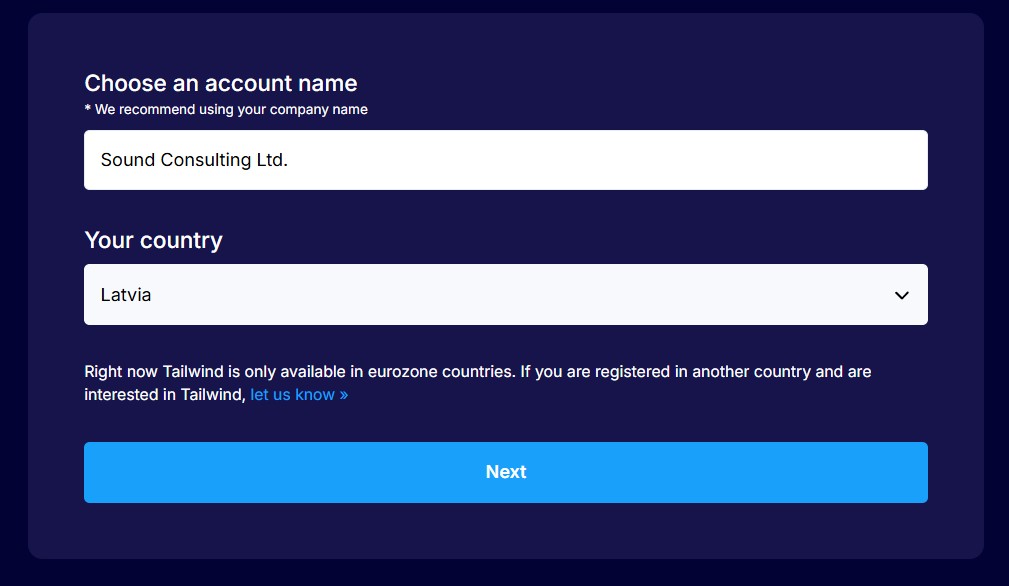
Choose your account name and country:
Enter your e-mail address (when authenticating with Google, it will be pre-filled):

Set up data import from your bank
Activating data import from your bank allows Tailwind to automatically create your initial forecast. It will also allow Tailwind to automatically update your forecast every time you log in!
Click on Connect bank to set up automated data import from your bank. This is safely done in strict compliance with EU rules governing this process.
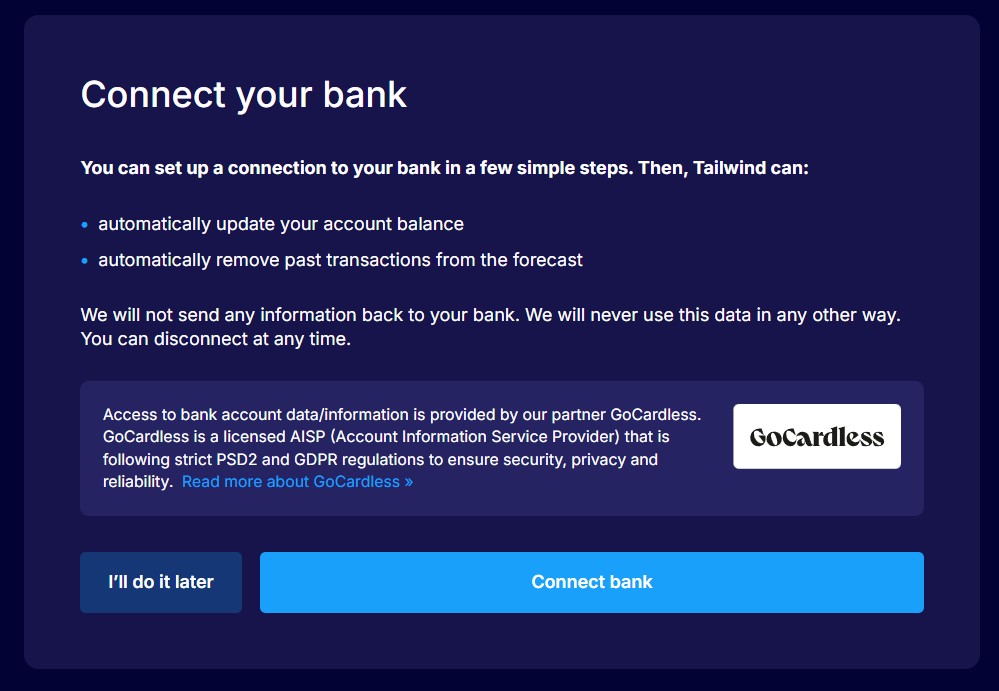
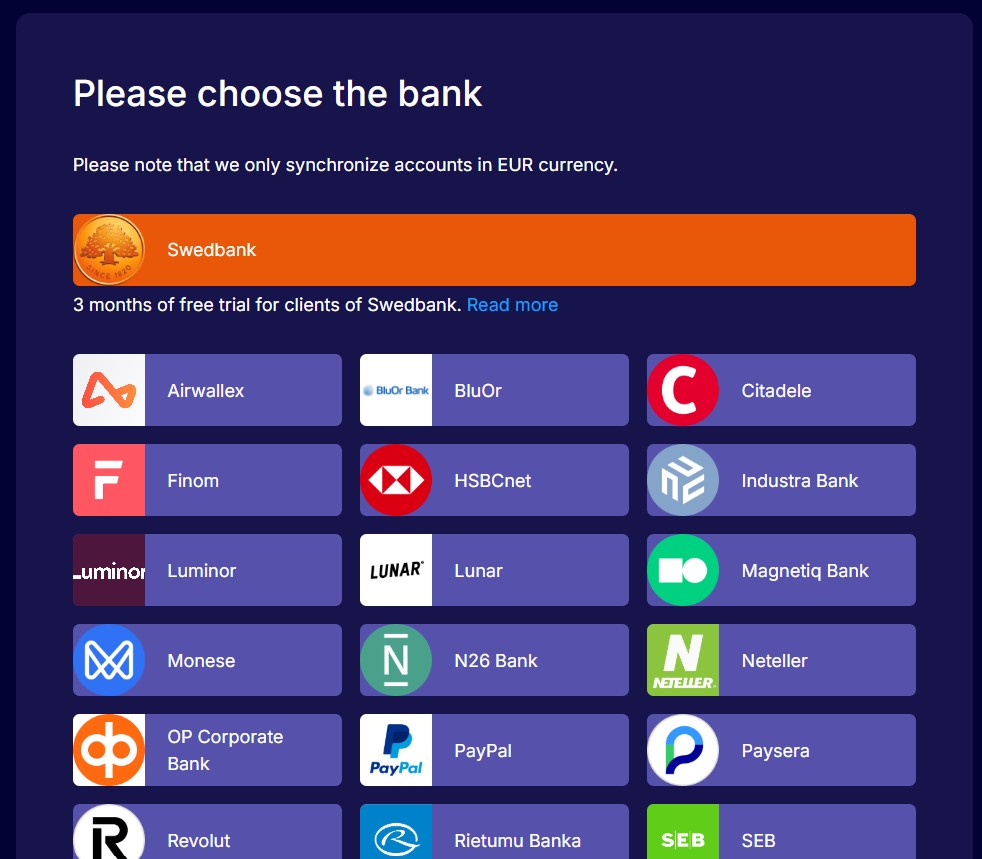
Choose your bank from the list. Tailwind partners with GoCardless, a licenced bank account information services provider that has integrations with 2000+ banks in the countries of European Union.
The internetbank login of your bank will be opened. Please authenticate yourself and confirm your permission to send transaction details of your past transactions as well as current balances to your Tailwind account. This data will be encrypted and available only to you. Tailwind will never send any data back to your bank or anyone else.
Create your initial forecast
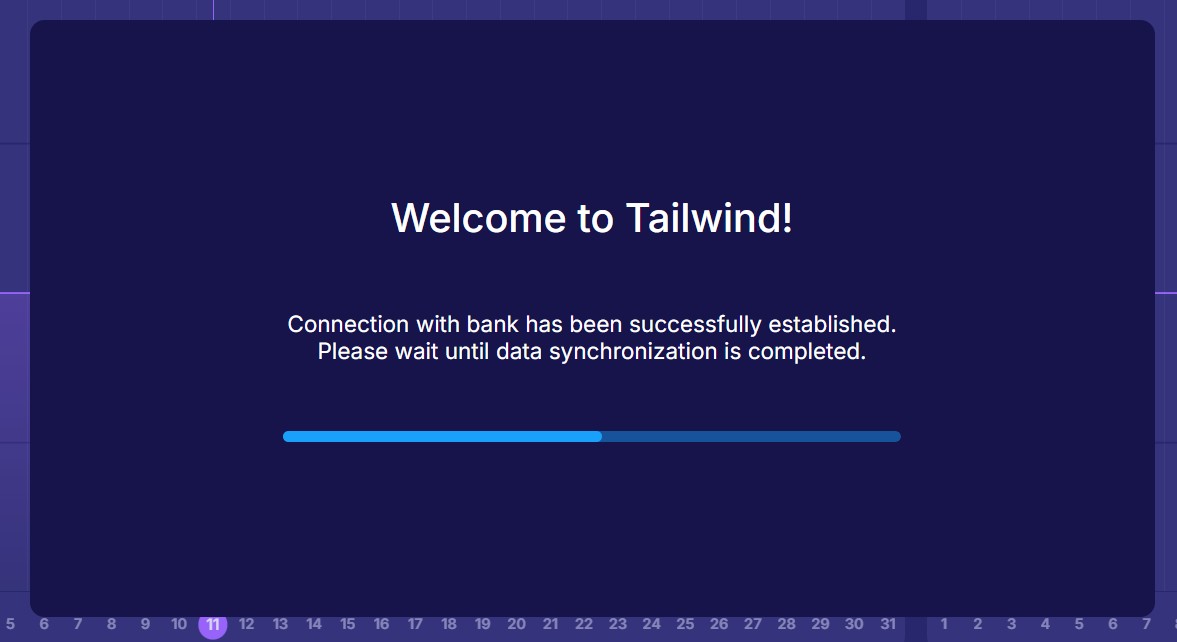
After confirming permission to import data from your bank, you will automatically return to your Tailwind account. Import of your transactions will usually take a few seconds.
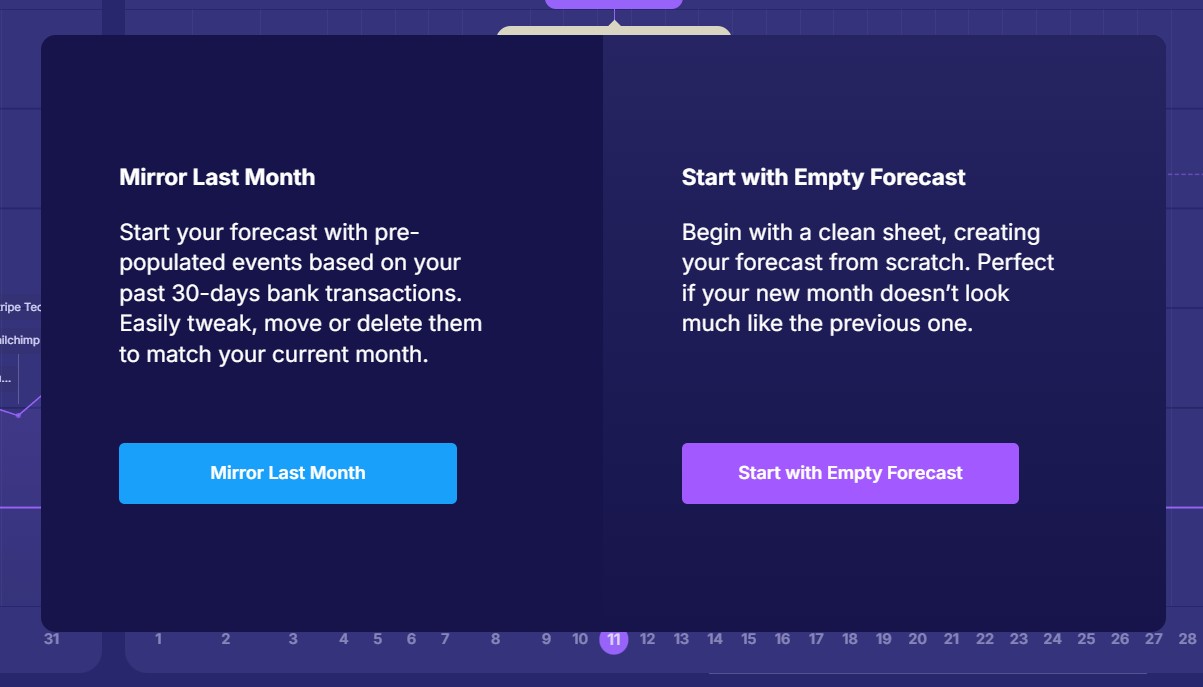
Then choose Mirror Last Month – this will allow Tailwind to automatically generate your initial forecast.
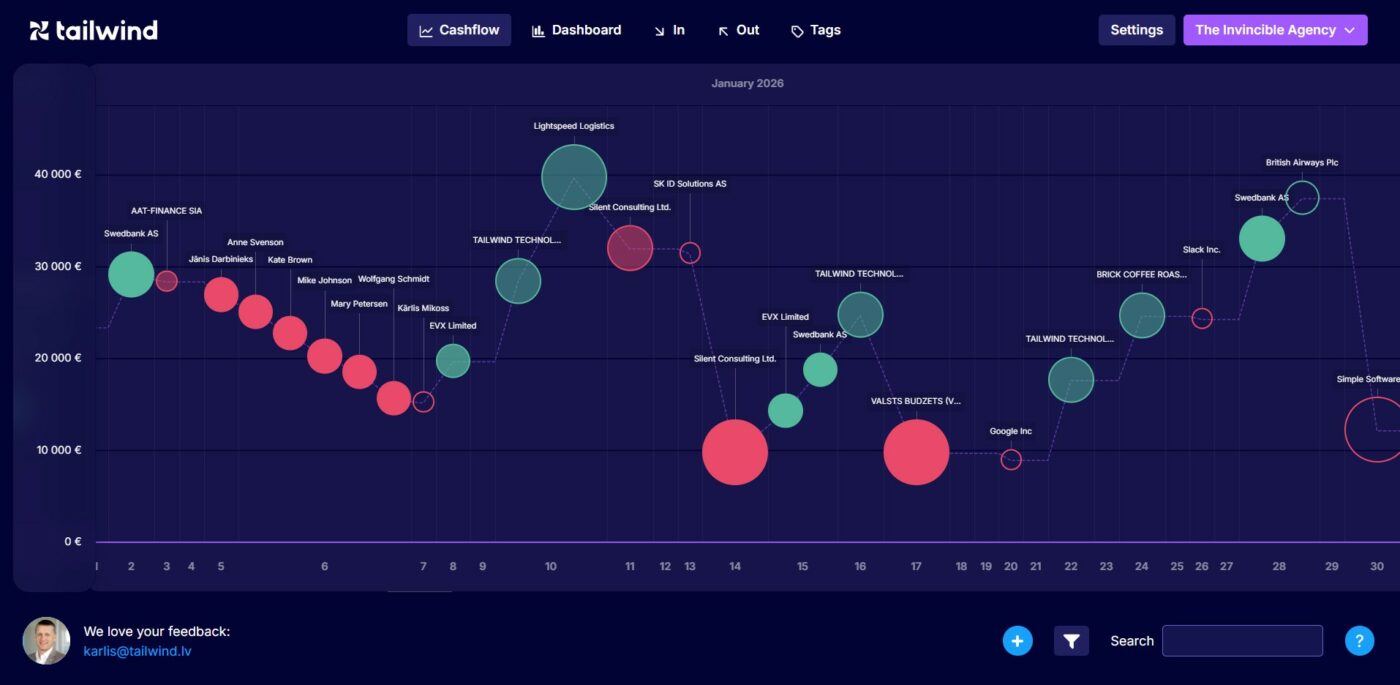
Your forecast will be visualized as a sequence of planned transactions. Horizontal axis represents the timeline – you will see dates at the bottom of the screen. Vertical axis represents the expected bank account balance.
Green circles show planned incoming transactions while the red circles represent planned outgoing transactions. The line between the transactions shows how your cash balance is going to fluctuate as you receive or make payments.
Tailwind generated the initial planned transactions because there have been similar transactions in the past. Hover over a particular transaction. If you believe this transaction will repeat, click Confirm. If you don’t expect it to repeat, click Delete. After you click Confirm, the dotted line will be become solid.
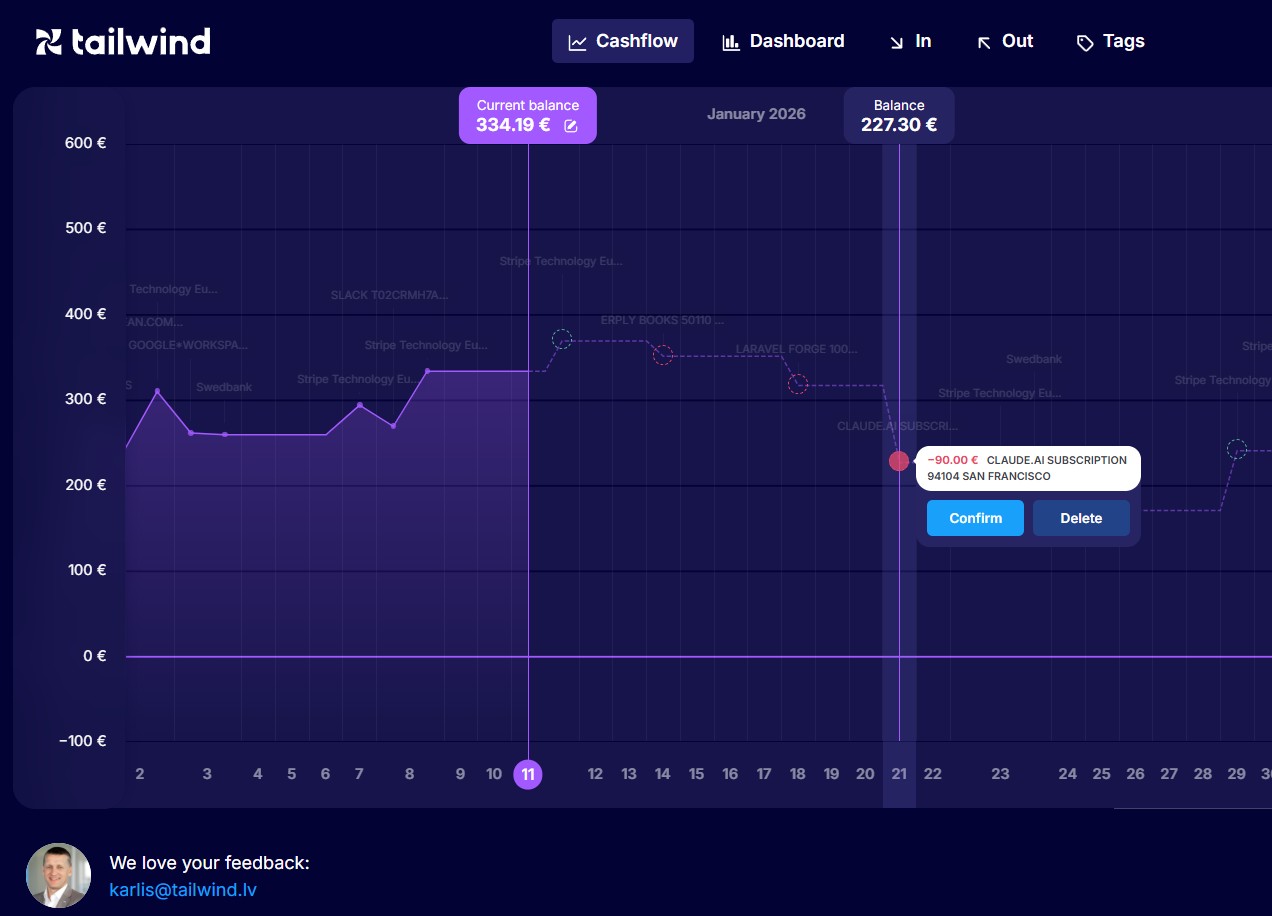
Now you can click on it to open transaction details and adjust them. You can also reschedule any transaction to another date by “drag and drop”.
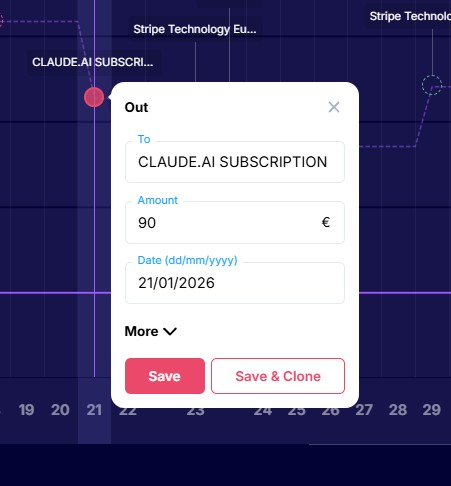
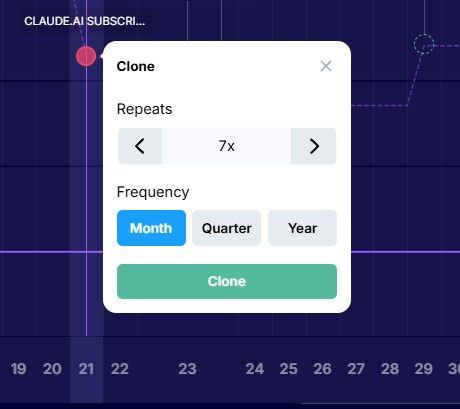
You can schedule the recurring transactions to repeat every month, quarter or year:
To add new transactions, click anywhere above the timeline or on the “+” in the lower right corner. And in just a few minutes your cash flow forecast is ready!
Cashflow section shows you every day and every transaction:
Dashboard section offers different filters per period and summary view for the next 3, 6 and 9 months:
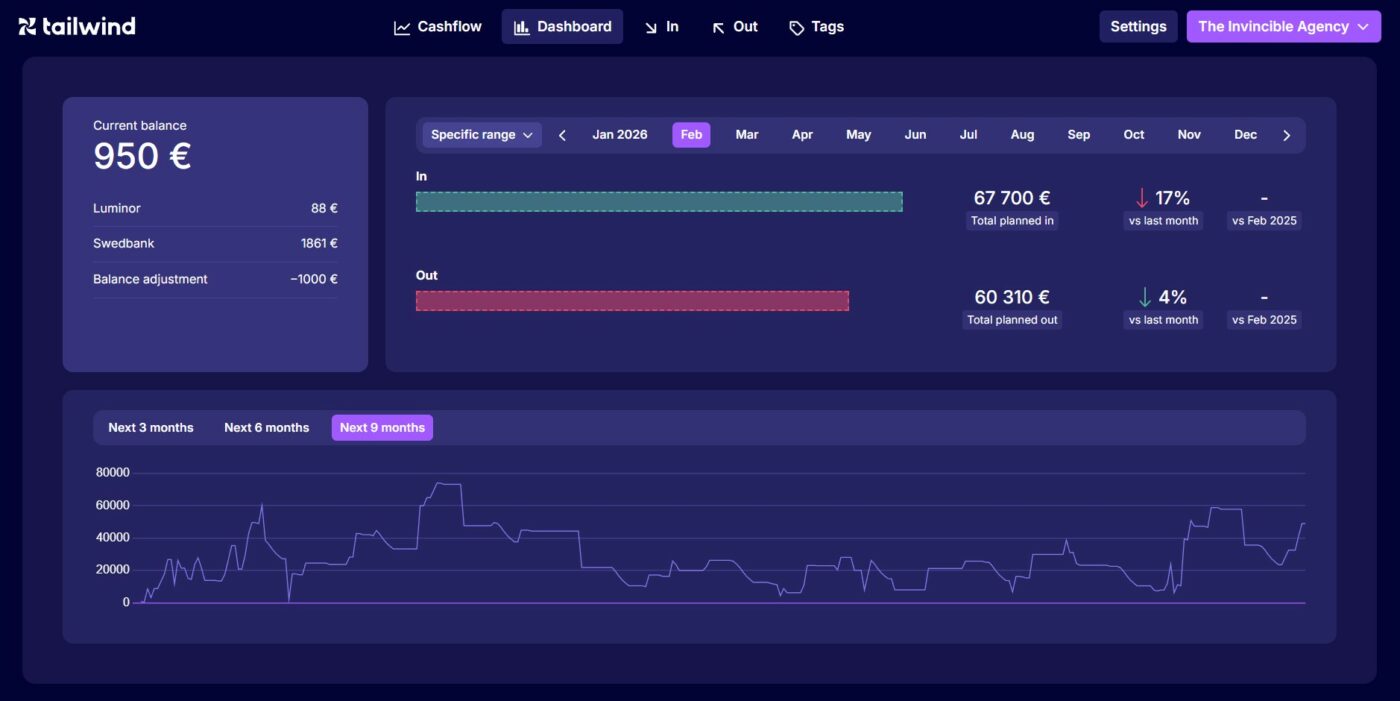
In, Out and Tags views offer useful pre-built filters that allow to analyze transactions per client, per supplier, per project etc.
Settings allows to invite other users, add data import from additional bank accounts, upload data via an Excel file and manage your subscription after the free trial expires.
Review your forecast every week, update it with new assumptions and you will always be in control!